Test for vulnerabilities from your CLI
Find and fix vulnerabilities in your local projects with a simple $ snyk test command.
We hope you enjoyed learning about the importance of developer security at re:Invent 2022. Now find out how Snyk can help you stay secure from the start across the SDLC.

Run Snyk in your CLI, or seamlessly integrate your IDE, Git repos, or container registries.
Snyk automatically scans your projects for vulnerabilities and identifies severity rankings.
Snyk provides automated fix advice. Secure your code with one-click fix pull requests.

Find and fix vulnerabilities in your local projects with a simple $ snyk test command.
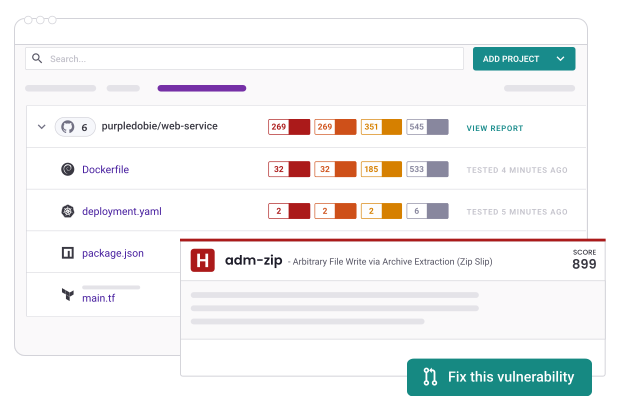
Find and fix vulnerabilities in your code, dependencies, open source libraries, and Dockerfiles.

Snyk provides automated fix advice in your CLI, IDE, Git repos, and container registries. With automated fix PRs, you can merge and move on.
Millions of developers build securely with Snyk